Flow for Your Notes: A Telegram Bot, an AI Editor, and My Google Drive
How a dedicated Telegram bot and my Grok bot assistant turn a rather messy stream of photos, voice memos and quotes into properly structured drafts and what that costs.
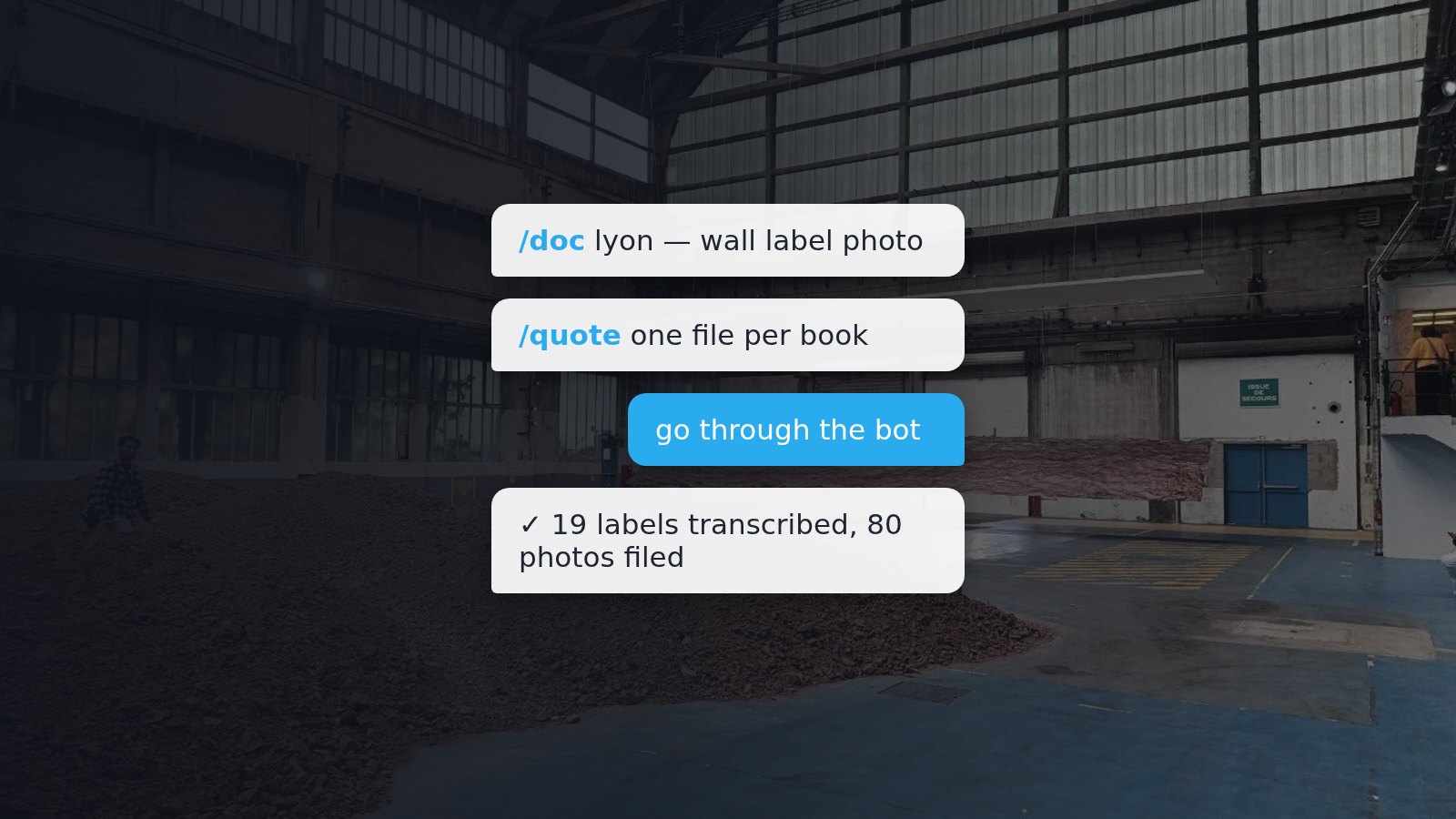
How a dedicated Telegram bot and my Grok bot assistant take a chaotic stream of photos, voice memos and quotes and turn it into properly structured drafts and what that costs.
The problem
I write articles from time to time and the nightmare has always been the notes. Google Docs just won't cut it for that. You end up with one massive file full of notes and you spend far more time tidying it up than you do actually writing.
So I went back to Telegram's Saved Messages. I could take a photo, take a screenshot of an article or piece of text or just scribble a draft in a more natural way. The downside of course was that I still ended up spending a fair bit of time going through it, transcribing it and sorting it.
With Grok Bot I found a better solution actually: an assistant I call the Editor which can do real work for me. That's the one that connects my Telegram notes to my Google Drive folders.
The setup
Here's how it works. I have a completely separate Telegram bot for notes and I've given the Editor access via the Telegram Bot API. I send it everything (text, voice messages, photos, screenshots of quotes etc). When I say "go through the bot" the Editor then pulls the relevant notes and files into the folders referenced in the notes.
To make that easy, the bot has a small menu of tags:
/doc <project> sends a note to a specific draft;
/quote saves a quote to my quotes library;
/later parks an idea for the future;
/deadline creates a task in Todoist.
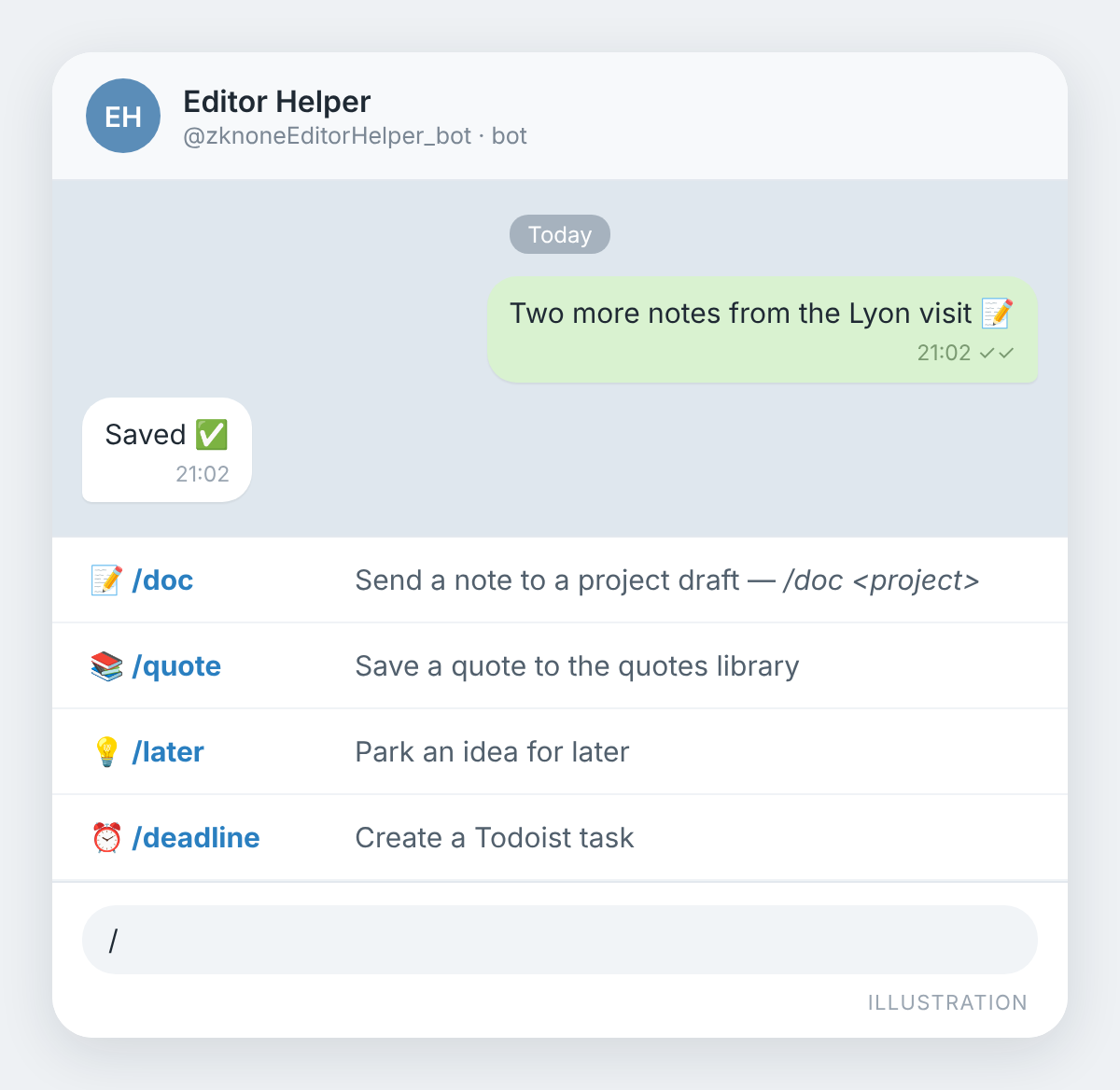
The notes bot has the following command menu: /doc, /quote, /later and /deadline.
Projects live in a single index file on Drive so the Editor will always know where each note is. Quotes go into their own library (one file per book). The Editor never invents a source. If it can't find one in the screenshot it will flag it for me to add.
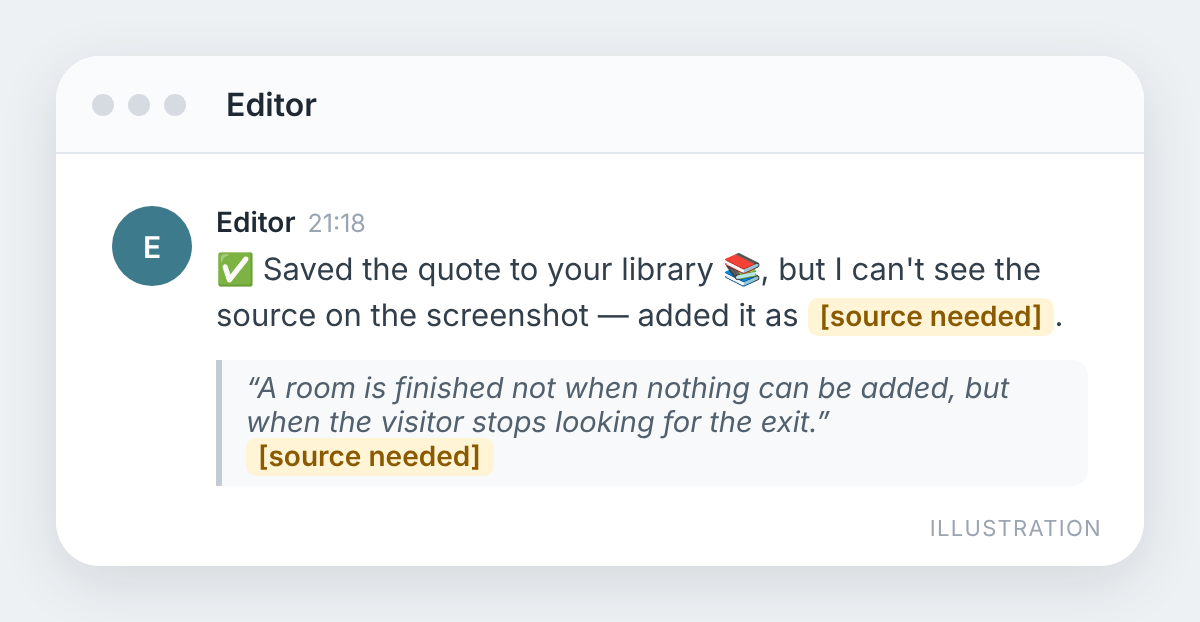
If the source isn't visible then the Editor will simply flag it as [source needed] rather than attempting to guess.
A real example: the Lyon Biennale
Following the 18th Lyon Biennale I sent the bot 100 messages at once (mostly images, 89 of them), a few text notes and some voice memos.
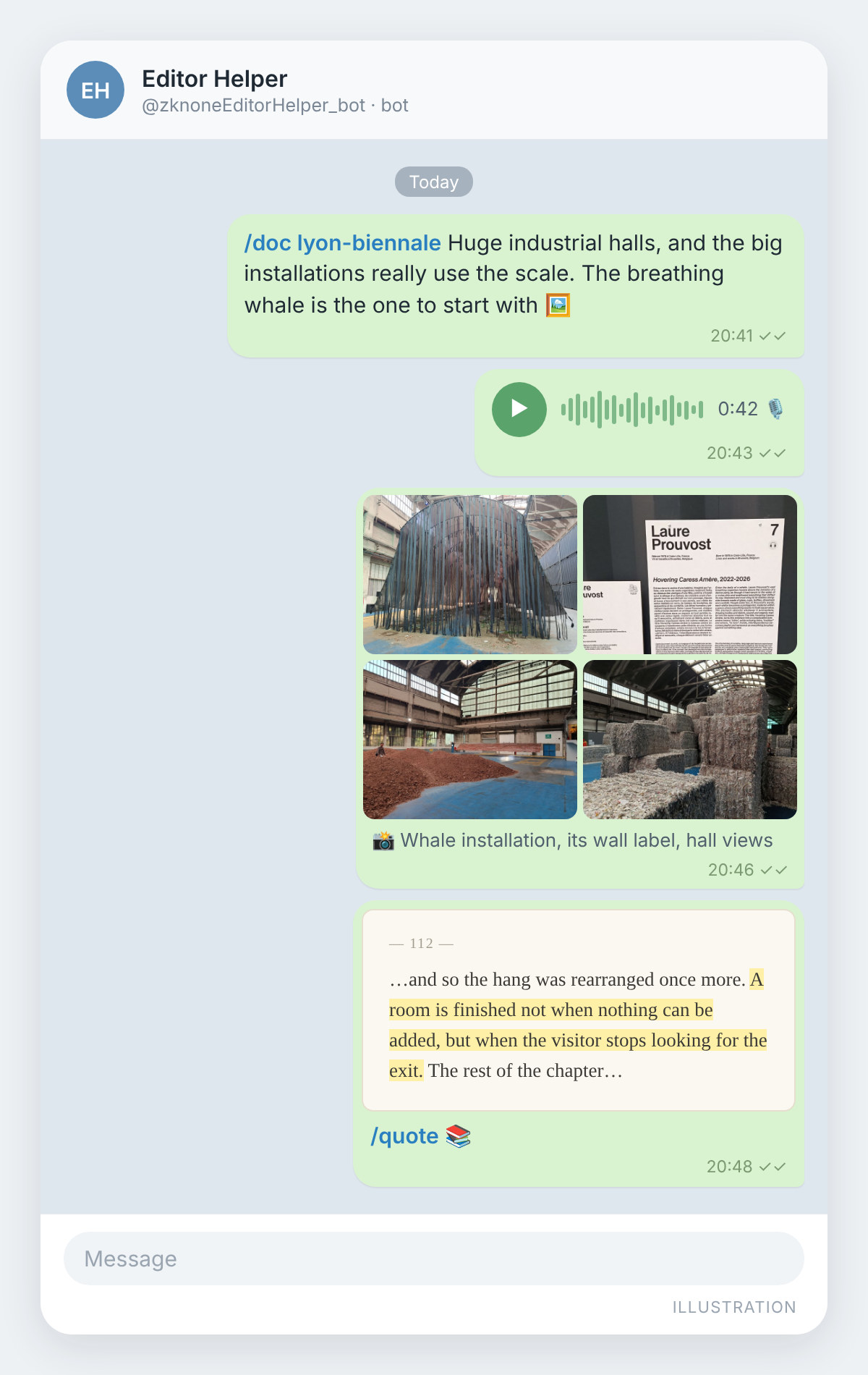
A batch of notes sent to the bot (a text note, a voice memo, some photos and a quote).
Here's what the Editor did:
found the 19 photos of wall labels and transcribed them as "artist, title, year";
formatted the labels differently from my own notes, so the two don't blend;
uploaded the remaining 80 photos to a "photos" folder, named to match the markers in the draft;
transcribed my voice memos and flagged words it wasn't sure about instead of guessing;
skipped duplicates when I re-sent part of the album;
I sent it over three questions and then laid out all my rough notes under those as sub-sections for the text that was to follow.
What it costs
The big issue was the recurring tasks (they used up the usage limits the quickest).
Originally the Editor would run the bot automatically every night at midnight and send me a summary at 8.02 the following morning. It would use up tokens every time it ran regardless of whether or not I'd sent anything that day. I stopped that after a week and subsequently deleted both. Now the Editor only engages with the bot when I instruct it to and it does the work all in one go. The only other thing it does on a regular basis is a very quick weekly check-in on my drafts every Wednesday at lunchtime.
What else helped keep the cost down:
Extremely few image views. Images are by a long way the most expensive thing for the model to process. Rather than open up 89 individually the Editor just put them into contact sheets of 24 thumbnails each, looked at 4 sheets to find the labels and then went and read the 19 labels up close.
Local transcription. The Editor's machine uses a speech to text model to transcribe the voice memos so they don't use any model tokens.
Short replies. One line of what was done, no long reports.
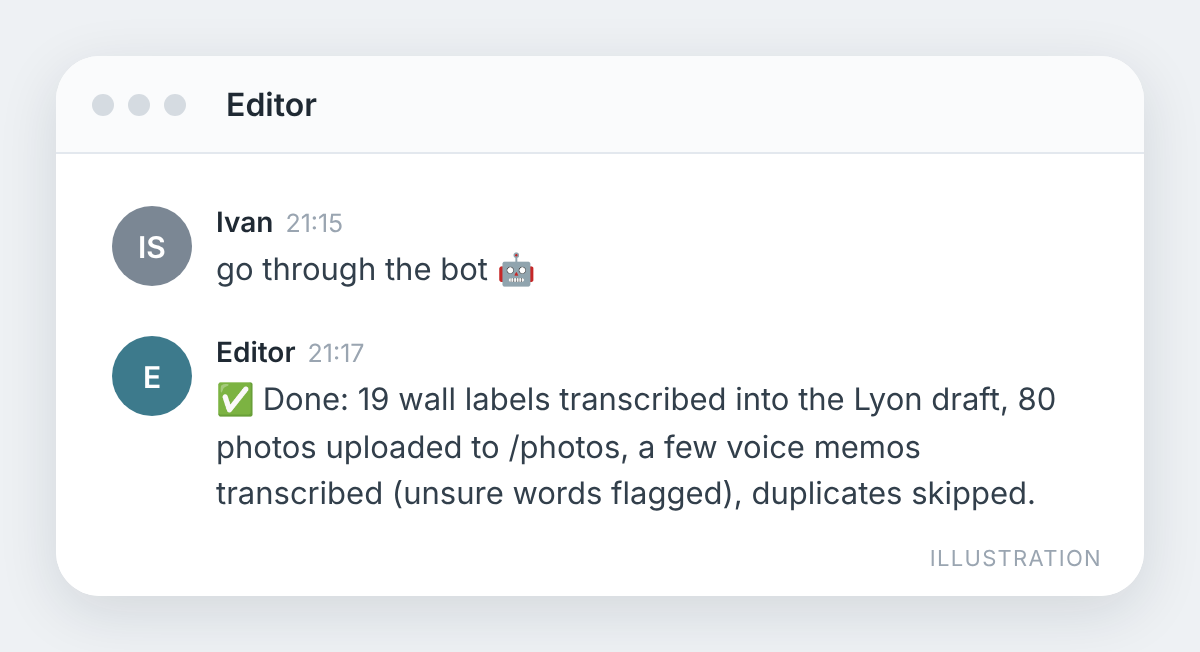
The Editor's one line response after having had a go at the bot.
Try it yourself
You don't need my exact setup to try this. All you need is an AI assistant that can get to Telegram and Google Drive, a separate Telegram bot for your notes and a single index file with your projects in it. Just paste the prompt below into your assistant, fill in the [bracketed] bits with your own bot, folders and task manager and send a few test notes before you're ready to hand it a whole exhibition's worth. Start small: one project, one tag, a few photos. If it misfiles anything just correct it once in the most basic terms (the way you'd tell a human editor to do it) and it will learn. Most importantly don't set up any automatic checks at all at the outset. Just run it by hand for a week and see what you actually need.
You're my notes editor. Your job is to take the raw notes that I send to my Telegram bot and turn them into properly structured drafts in my Google Drive. Only work when I ask you to and keep it as cheap as possible.

Setup
- My notes bot: [@your_bot]. The bot token is stored as [TELEGRAM_BOT_TOKEN]. Never print it.
- The projects are listed in [Drafts/index.md] on Google Drive. Each project has a tag and a draft file.
- Quotes library: the [Quotes] folder, one file per book, named "Author — Title.md"

Tags I use in the bot
- /doc <project> : add the note to that project's draft.
- /quote: add a quote to the quotes library.
- /later: save that idea for later.
- /deadline: create a task in [Todoist].
If there's no tag on a message then file it by its meaning.

When I say "go through the bot"
1. Fetch the new messages via getUpdates and advance the offset so we don't process anything twice. Skip the duplicates if I send something again.
2. Photos of wall labels or captions: transcribe as 'Artist — Title, year' and format them so they differ from my own notes (e.g. a blockquote starting with 🏷).
3. All other photos: upload them as individual files into a 'photos' folder adjacent to the draft (don't change the format at all). Just put a marker in the draft to indicate where each one goes.
4. Voice memos: transcribe them using a local speech to text model (e.g. faster-whisper). If you're at all unsure about a word just put [?] in it rather than attempting to guess.
5. Quotes: never make up a source. If a source isn't visible then flag it for me.
6. If the draft has section questions then put my rough notes under the relevant one.

Keeping costs low
- Don't create any recurring or background tasks unless I specifically ask you to.
- For large numbers of photos, initially have a look at the contact sheets of the thumbnails. Only open up the images you actually need.
- Do the work in one batch and reply in one line with what you've done and anything I need to check.

Note: Telegram only keeps a bot's messages for around 24 hours so remind me to say "go through the bot" shortly after I've sent the notes.
Caveats
Telegram will store a bot's messages for circa 24 hours so you need to instruct the Editor to go through the bot shortly after you've sent your notes. If you miss that window then just forward the old notes to the bot again and it will pick them up. Then we've got an AI assistant. From there I'll be looking at how I'm building my own AI agent for notes using Mastra (no Grok bot).